


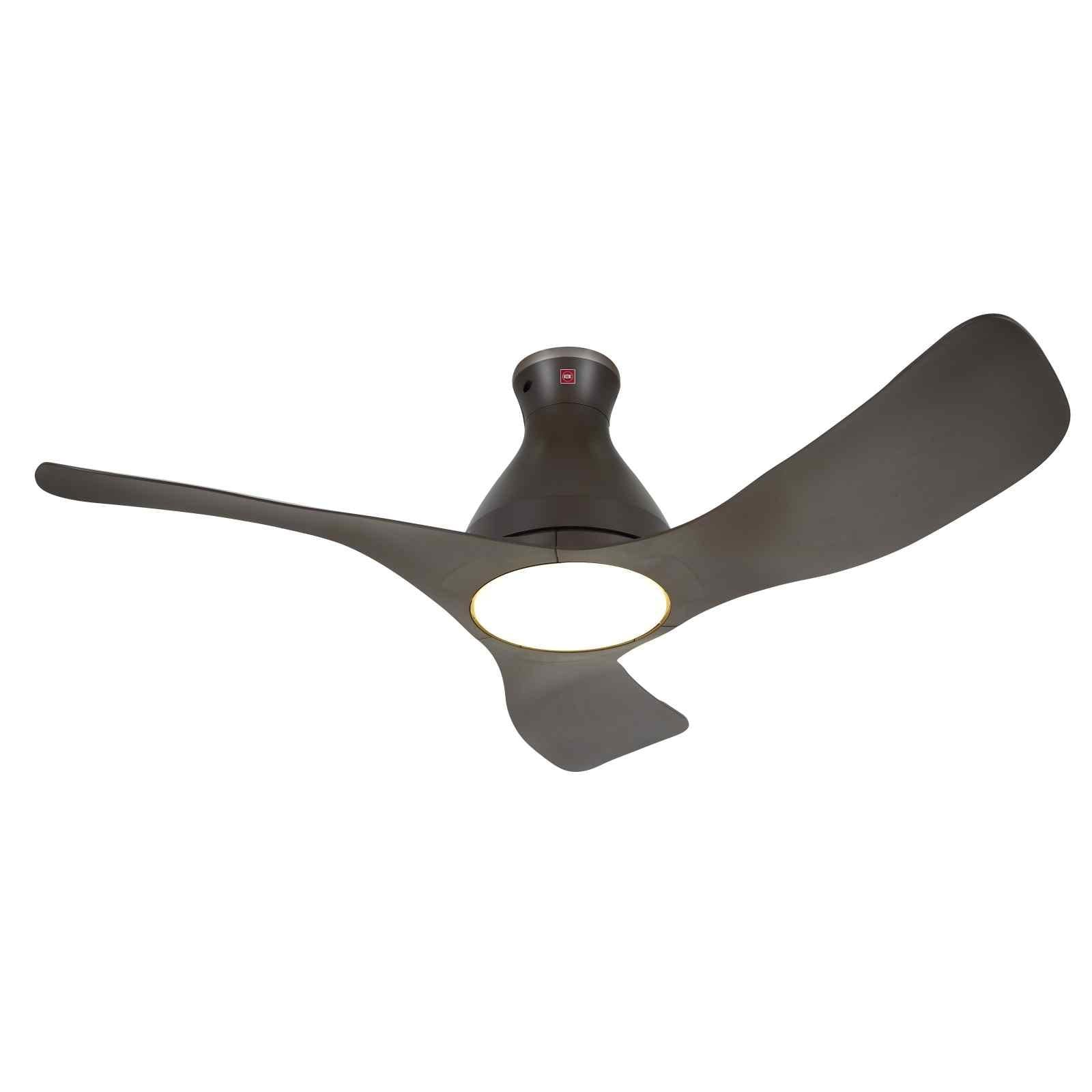
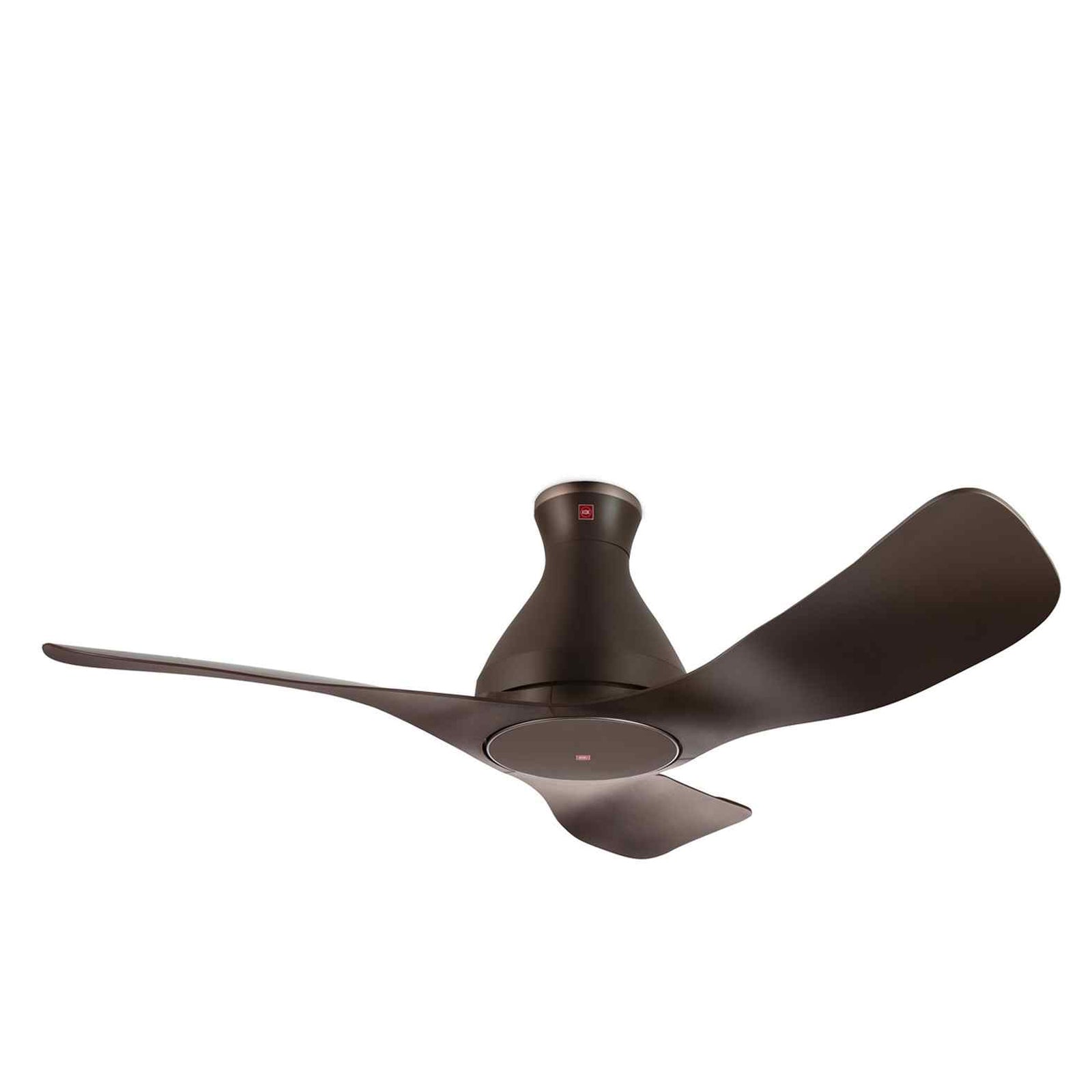
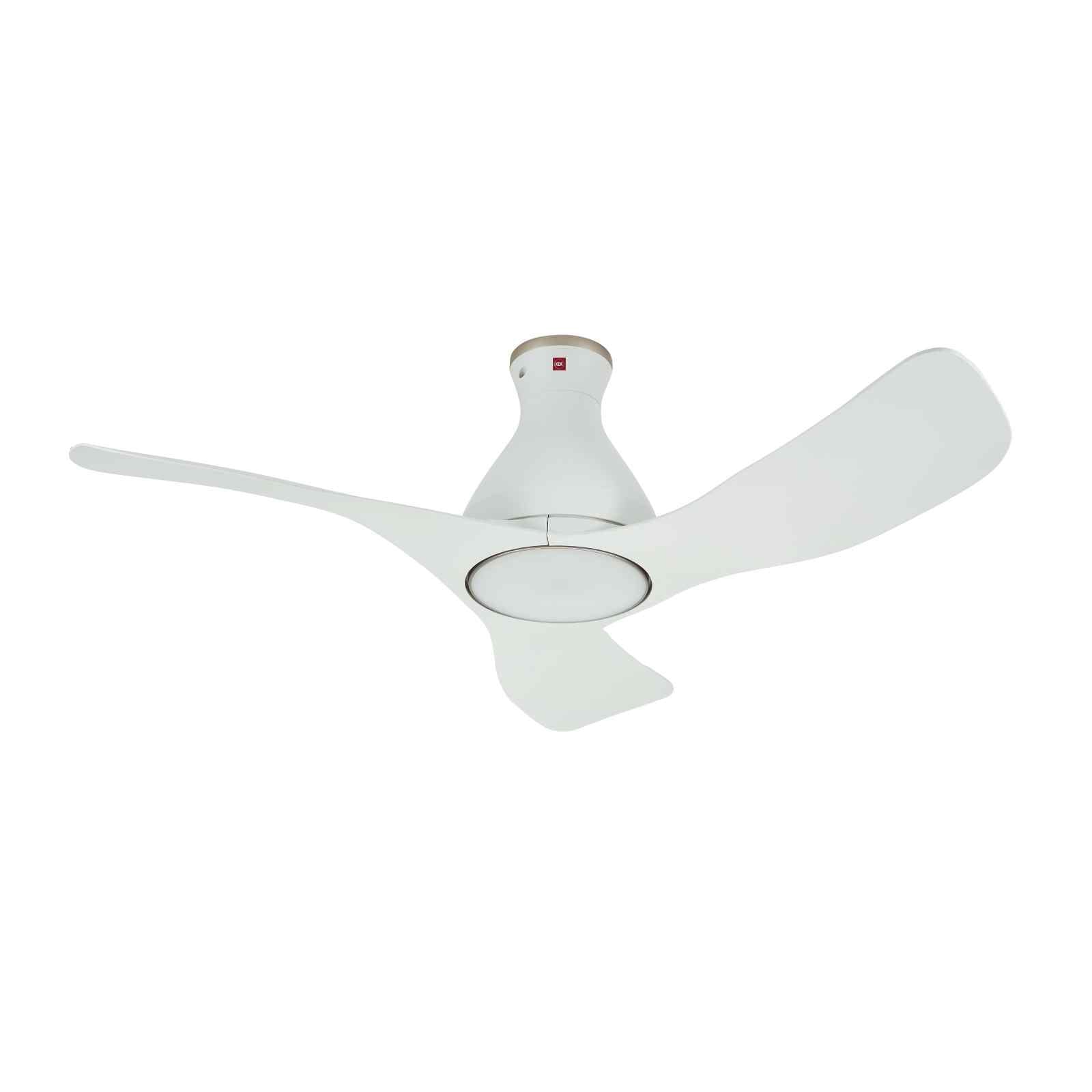
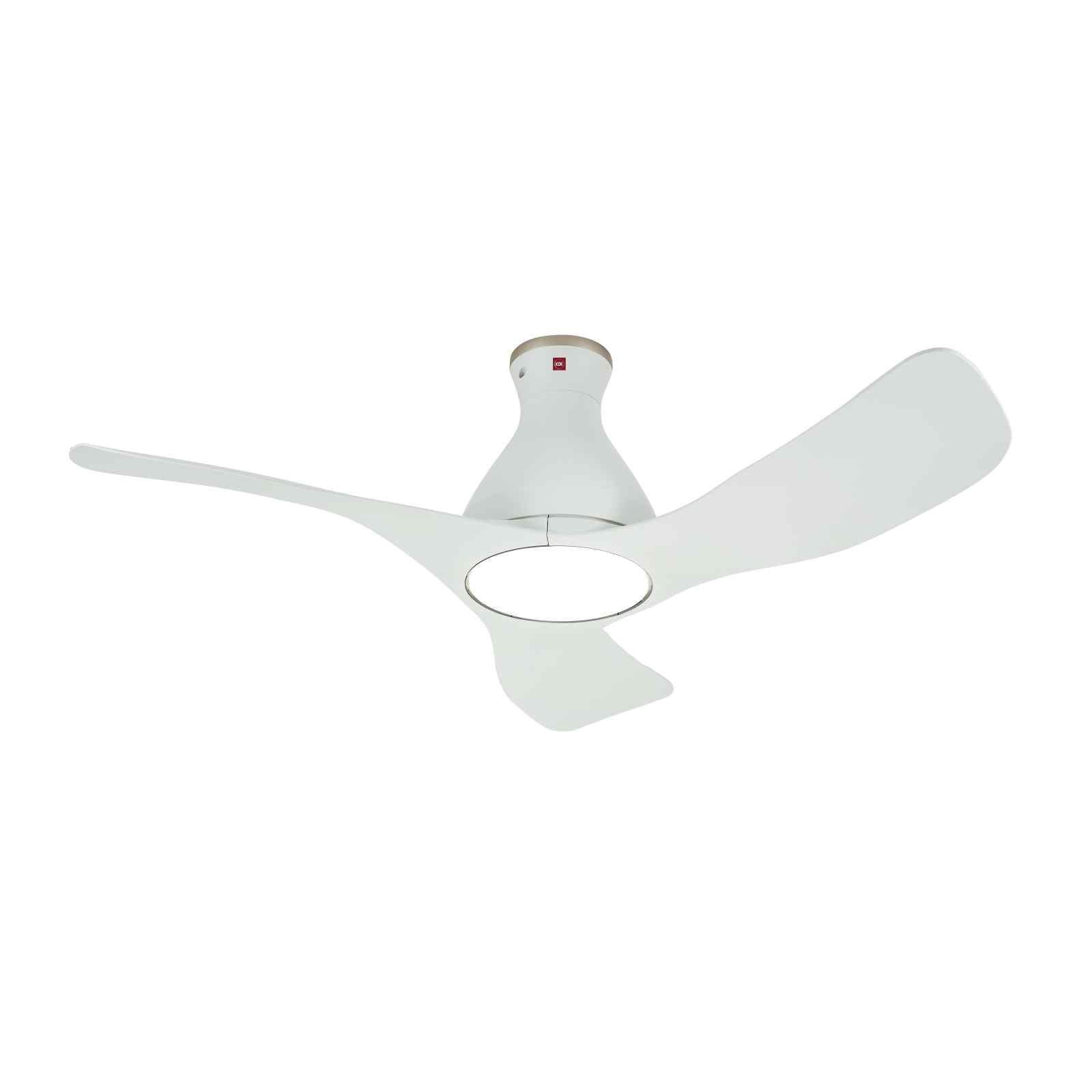
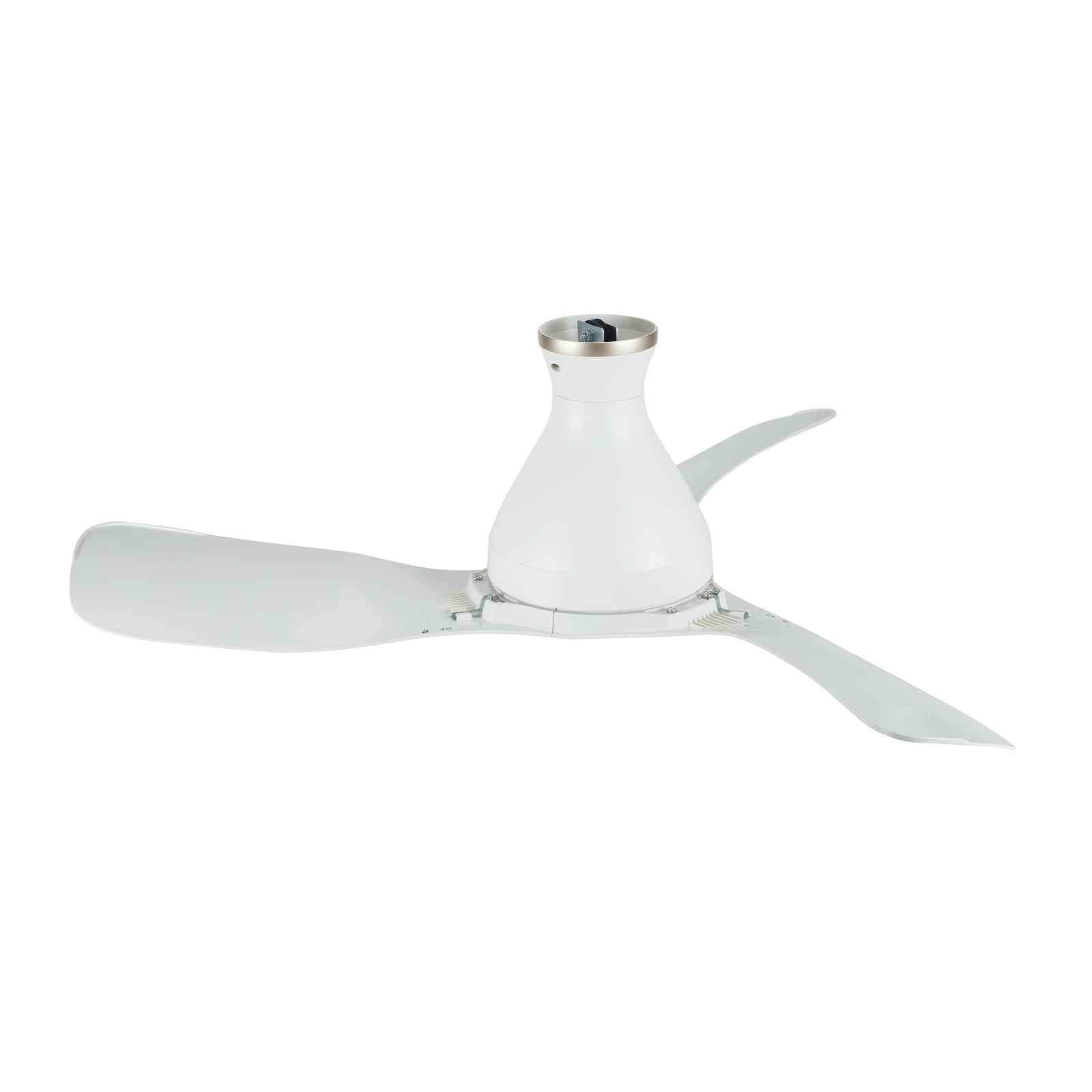
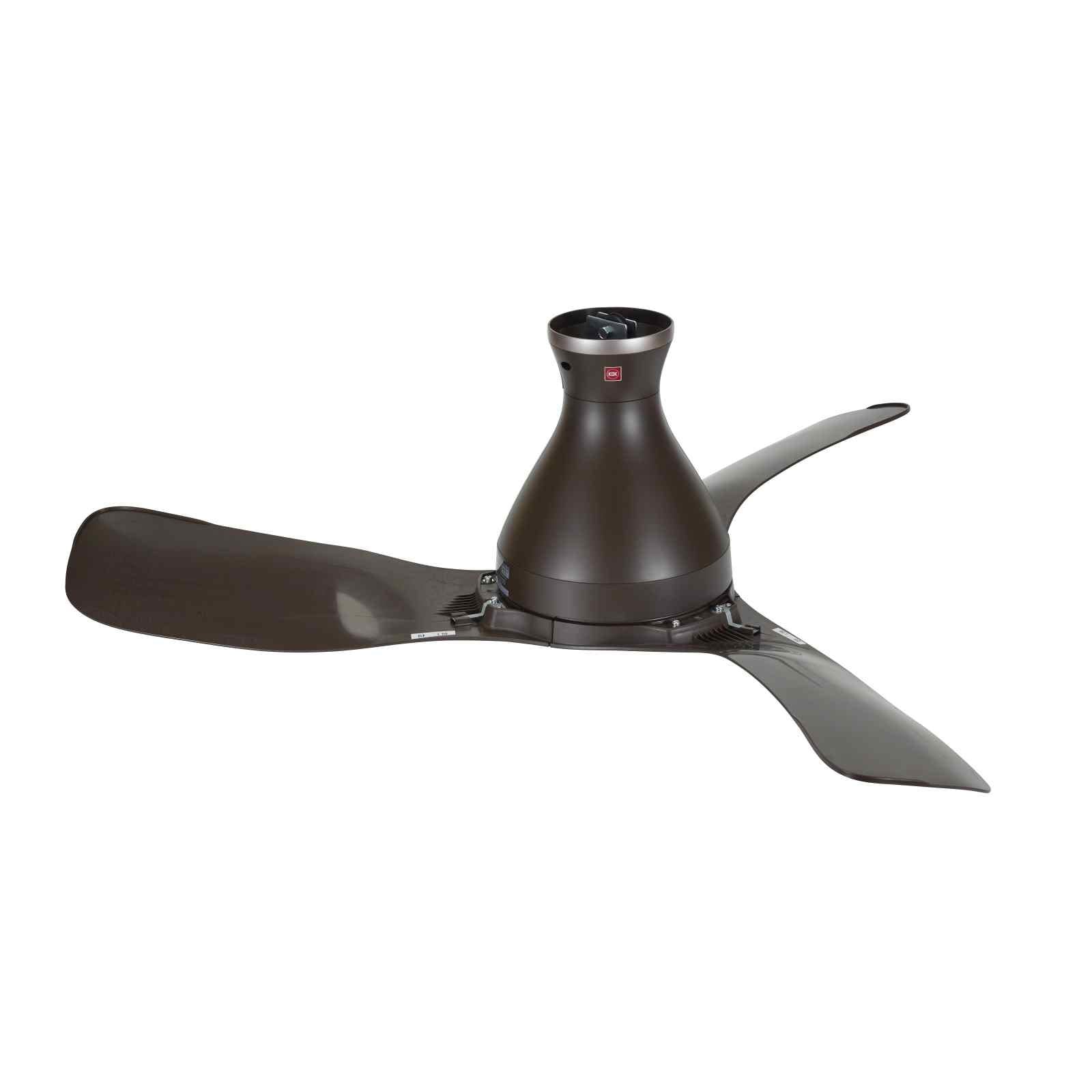
AIRY E48HP/E48GP 48" SMART DC CEILING FAN + OPTIONAL LIGHT

This product is eligible for Climate Voucher use.
Head over to Mega Discount Store with your voucher and proof of address, and our friendly staff will help you find the perfect energy-efficient appliances for your home. Please note that online purchases are not eligible for Climate Voucher use, so be sure to visit us in-store to make the most of your vouchers.
Find out more here.
| MEGA Promo | Copy Promo Code & Apply upon Checkout |
|---|---|
|
1% off your First Order: NEWUSER Valid for new users who have signed up and subscribed to our newsletter but have not made a purchase. |
|
|
$66 off $1,660: J6E6 Valid till 30 June 2026. |
|
|
$36 off $1,066: J3E6 Valid till 30 June 2026. |
|
|
$20 off $600: J2E0 Valid till 30 June 2026. |
|
|
3% off Samsung or LG: FVJA Minimum purchase of $600 on a Samsung, Whirlpool or LG product. |
|
|
3% off Novita: NOV3 Minimum purchase of $200 on a Novita product. |
|
| 5% off Fisher & Paykel | Discounted price will automatically reflect on the checkout page. |
| GRAB Promo | Apply Promo Code on Grab's Checkout Page |
|---|---|
|
$55 off min. $1,400 |
PAYLATERIT55 |
|
$25 off min. $700 |
PAYLATERIT25 |
|
$8 off min. $250 |
PAYLATERIT8 |
| Grab Promo Code valid till 30 Sep 2026 on megadiscountstore.com.sg. $8 and $25 OFF promos are applicable for PayLater by Grab transactions only. $55 OFF promo is applicable only for Pay in 8 or 12 months instalment options only. Monthly processing fee of 0.75% applies. Apply Grab Promo Code on Grab Checkout Page. Available for selected users only. Other T&Cs apply. | |
We try our best to provide accurate product information from the manufacturer's or agent's website. However, the information on this page may change without notice, and it may not be accurate if there are specification changes. We recommend checking the manufacturer's site for the latest specs and information.
-
While all items available for online purchase can be added to your cart, we cannot guarantee their availability at the time of order processing.
In case we are unable to fulfill your order, we will get in touch with you to provide an alternative option or arrange a full refund.
-
If your product is eligible for warranty, you can find its registration link here.
Your comfort matters, above all.
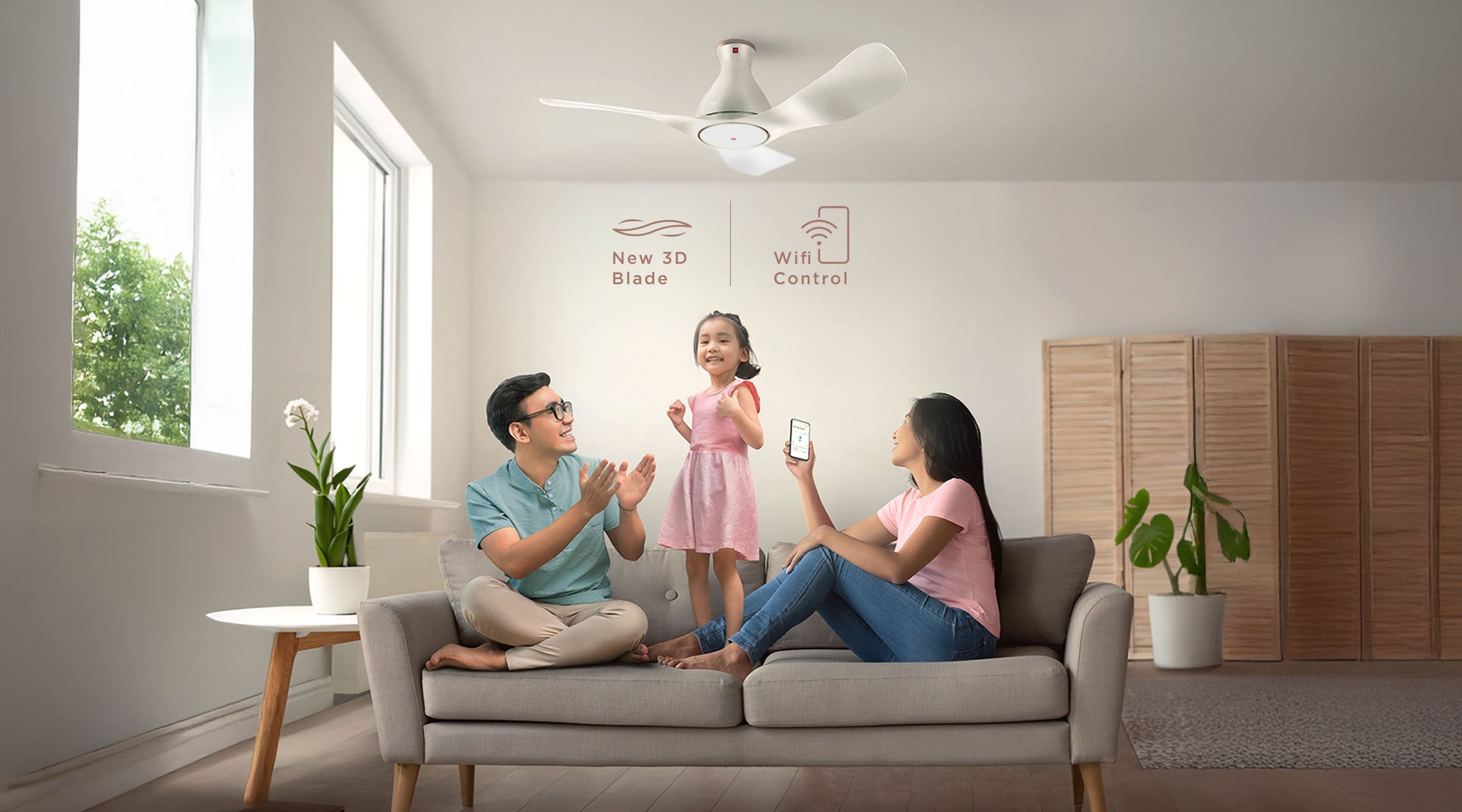
Turn on KDK Airy and turn on the comfort, with powerful airflow and lights that can be dimmed to suit your mood – all wirelessly controlled from your phone!
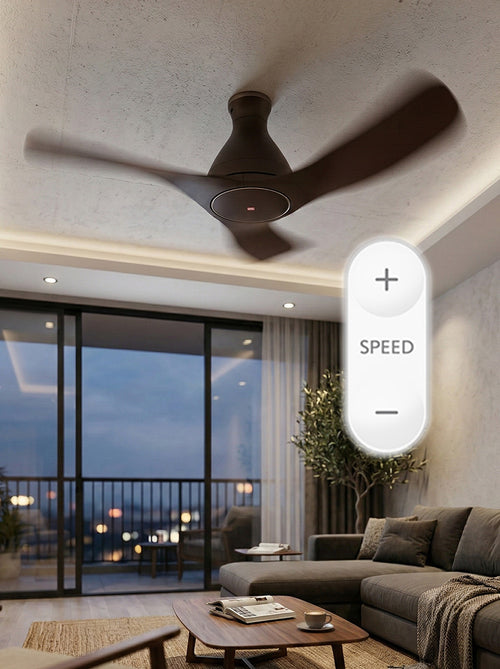
10-speed control
Customize airflow to your comfort with 10 speed settings
1/F Yuragi
Mimics a natural breeze with gentle, fluctuating airflow for a relaxing, comfortable environment

Sleep Mode
This function creates an optimal sleeping environment for you, also enhances energy saving
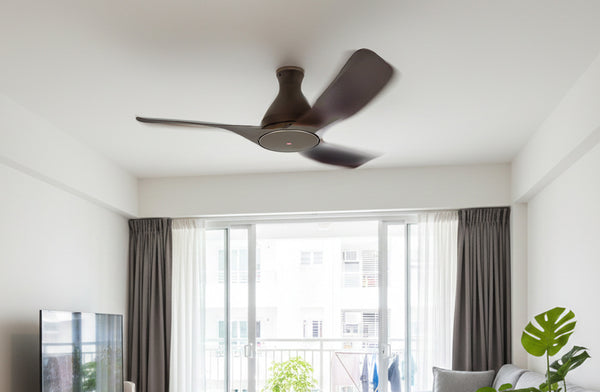
Reverse Mode
Using the reverse mode, you can draw cool air from the air conditioner upwards and circulate it around the room - cooling your room down faster.
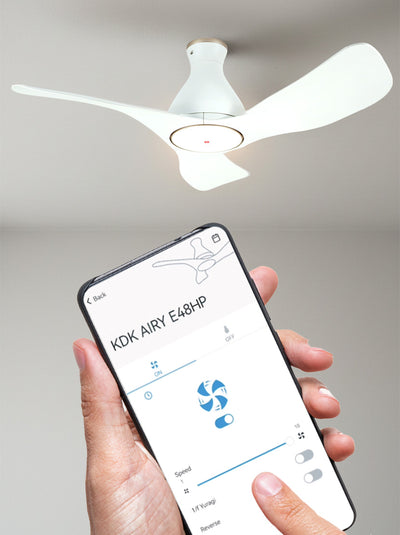
Convenience, right at your fingertips.
Control your Airy with a simple touch through your phone. Turn on the fans before you reach home to cool down your house, or dim the lights to suit a movie night. The possibilities are endless with the KDK Ceiling Fan app.
Technical Specifications
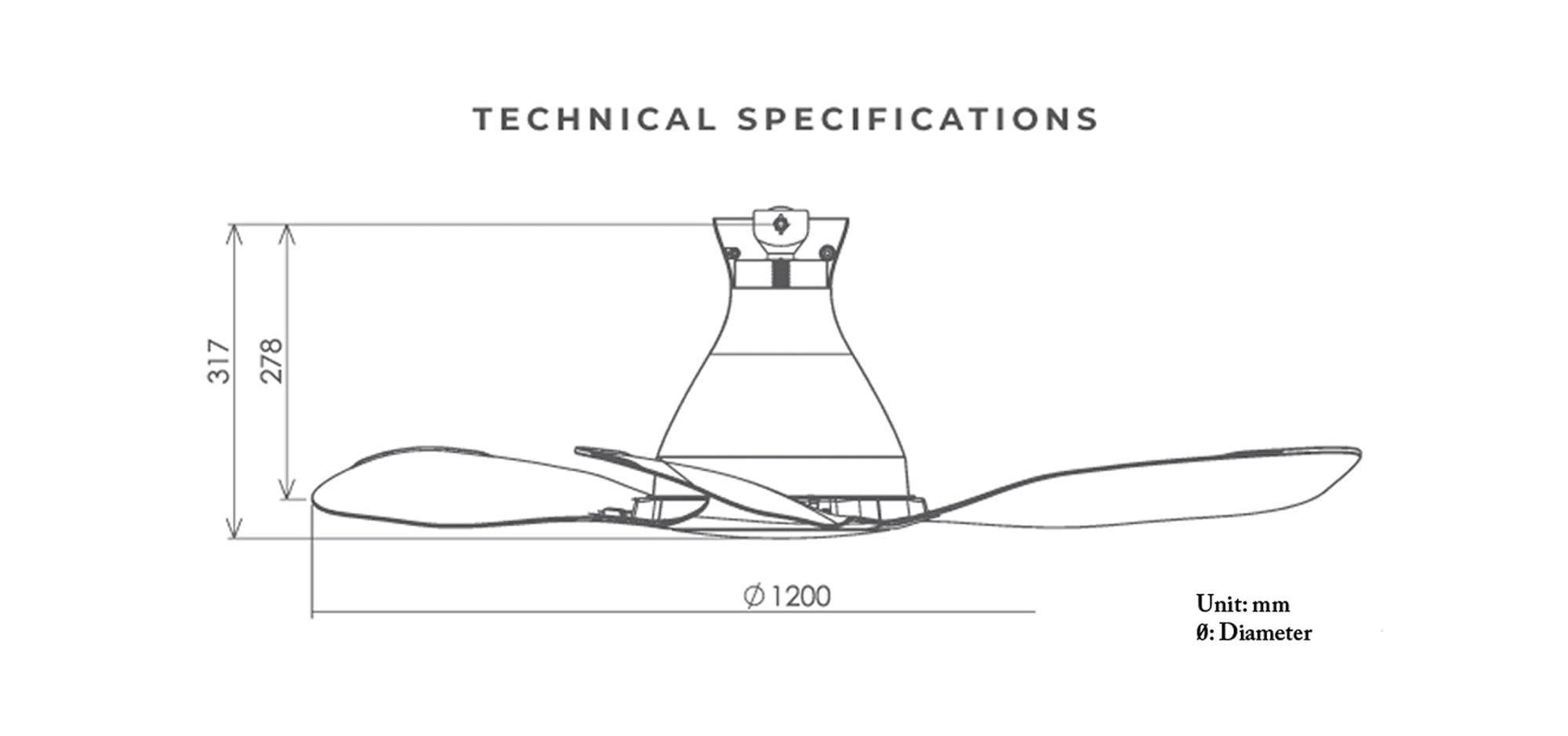
| Diameter | 120 cm |
| Rod | 27.8 cm |
| Height | 31.7 cm |
| Consumption | 31 W |
| RPM | 170 RPM |
| Air Velocity | 185 m/min607 ft/min |
| Air Delivery | 200 m³/min7063 ft³/min |
| Weight | 5.2 kg |
Frequently Asked Questions (FAQ)
|
How do I register my fan to my smart device? 1. Connect fan to router. Click here and refer “How to register product to smart devices” for detailed step-by-step. |
|
How do I know if the fan has successfully registered to the App? If the fan is registered to the App, the name of the fan will be displayed on App homepage. |
|
How to register fan to the App: Go to MAIN MENU > Select “Connected Product” > Find “Product not registered” list > Select “Registration” on the Model Number of the fan you wish to register. |
|
Why is my fan not appearing in the ‘Product not registered’ list during registration? Please: |
|
What should I do if product registration is not successful? Please: |
|
How do I connect my fan to router? You can use WPS method or Manual (Access Point) method. Click here and refer “How to connect product to home network” for a detailed step by step. |
|
Can I setup the connection while fan is operating? No, please make sure the fan stops operating when you intend to set up connection. |
|
Connection through the WPS method is not working, what should I do? Please: |
|
The Manual (Access Point) method is not working as well? Please: |
|
What should I do if there is no buzzer sound when I setup the connection? Please: |
|
Do I need to re-set up if I want to use another device to control? If no, what should I press to connect? No, there is no need to re-setup. Simply log into the same account on the new device and everything will sync automatically. |
|
How many devices can it connect to at the same time? During pairing, one 1 ceiling fan can be registered to one device. Once paired, 4 different user accounts/devices can be registered to control it. |
Customer Reviews
